




Reading time — 7 min.
19529
When ordering a canvas print, you want attractive colours and an image that lasts. But the words “pigment” or “solvent” alone do not tell you how the finished print will perform. The specific ink system, canvas, print settings and display conditions all matter.
Pigment and solvent inks are not two mutually exclusive categories. Understanding the terms makes it easier to compare printing options.
What is the difference between pigment and solvent inks?
Pigment describes the colourant: tiny particles that give the ink its colour. Solvent ink describes an ink system based on organic solvents. A solvent ink can also use pigment as its colourant.
A useful comparison therefore identifies the actual systems, such as water-based pigment inks and eco-solvent inks, together with the printing material and intended application.
Epson describes its eco-solvent systems as pigment-based and lists interior decoration among their applications. Suitability for a particular space should be assessed using the documentation for that system, rather than a blanket judgement about all solvent inks. See Epson’s explanation of eco-solvent printing.
What affects the appearance of a canvas print?
Ink is only one part of the process. Several other factors shape the result.
The original photograph. A better printer cannot restore detail missing from a blurry source image. A photograph should be assessed against the intended print size; its file size in kilobytes is not a quality measure on its own.
The canvas and its coating. The material must be suitable for the printing technology. Its texture and surface affect how the image looks.
Print settings and colour management. The same file can produce different results when the material or settings change.
Lighting. A screen emits light, while a print is seen by reflected light. A bright phone screen is therefore not a reliable guide to how light the canvas will look on your wall.
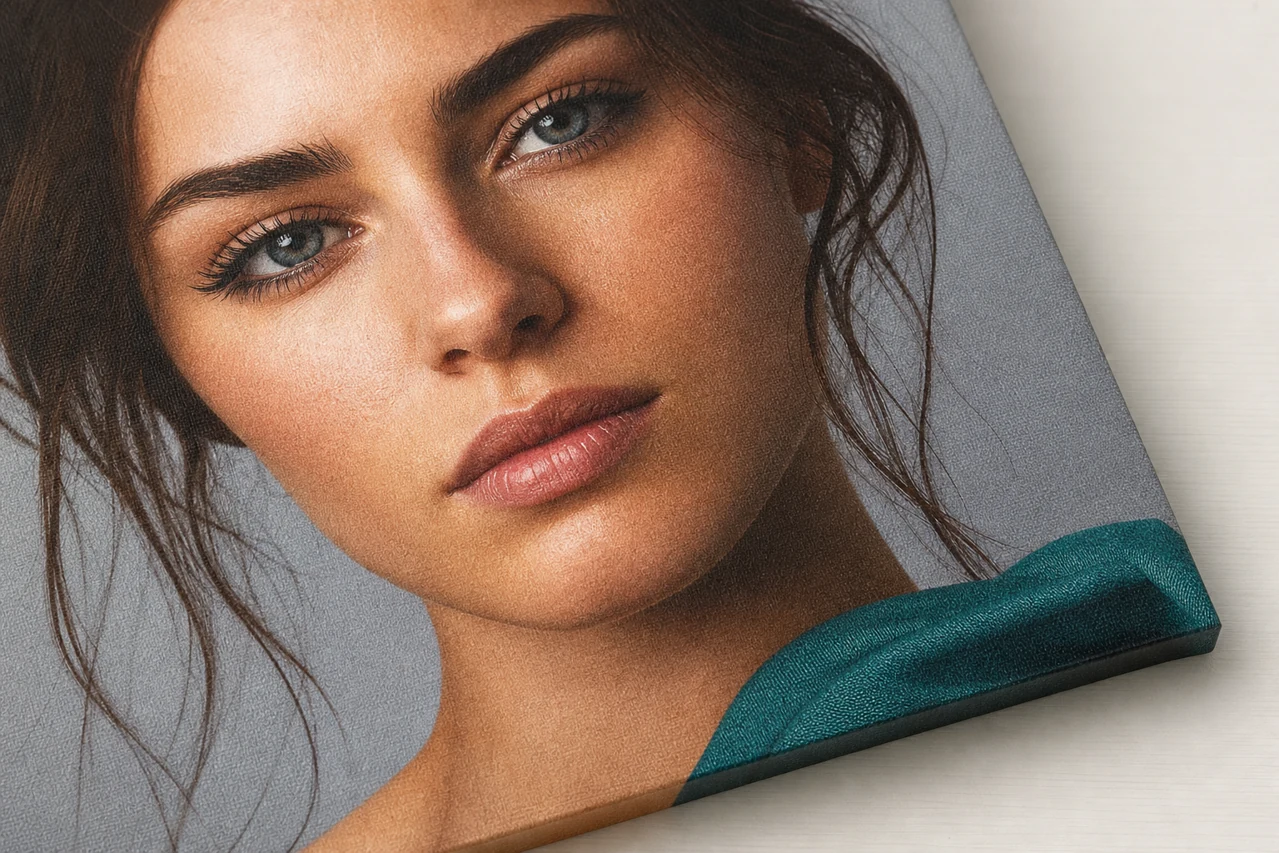
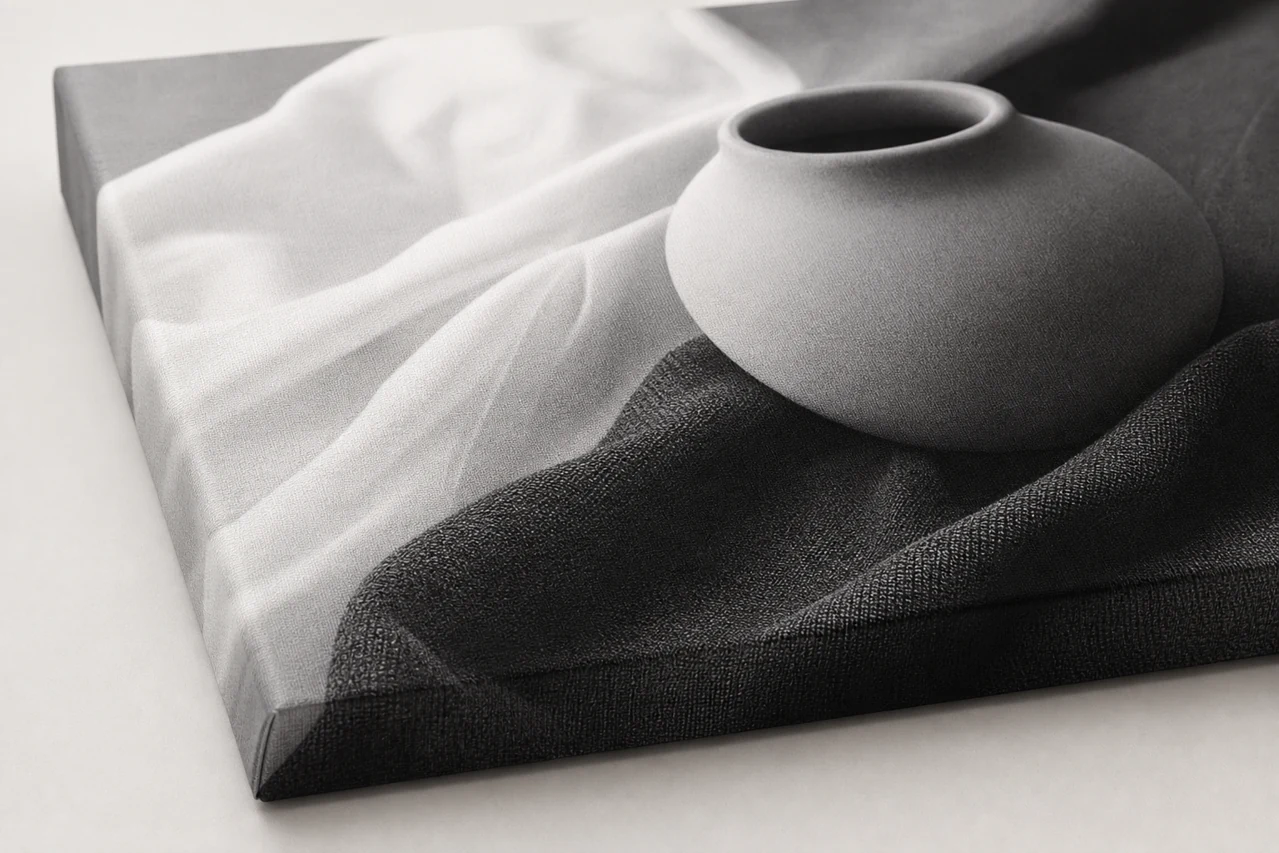
For a family portrait, look at skin tones and facial detail. For a landscape, examine transitions in the sky; for a black-and-white photograph, look at detail in the highlights and shadows. Judge the image rather than a promise of “the brightest colours”.
An illustrative example of print preparation.
How can you assess a print for use at home?
Explain where you plan to display the canvas. An ordinary living room, a spot in direct sunlight and a room with high humidity present different conditions.
Ask about the intended use of the finished product. If a certification is mentioned, check which product or system it covers and what it actually establishes.
The word “pigment”, a manufacturer’s name or the absence of an odour does not by itself establish suitability for every setting. Claims about safety in a child’s room also need specific supporting evidence.
What can be said about colour longevity?
Longevity needs to be assessed for a particular combination of ink, material and coating under defined conditions. Test results for another ink series or printing material cannot automatically be applied to your order.
An ink name alone cannot justify a fixed lifespan or promises of resistance to sunlight, moisture, rubbing and temperature changes. Check whether the intended display location is suitable and how the surface should be cleaned.
Does a canvas print need protective varnish?
Discuss varnish in relation to the particular canvas and the surface finish you want. Ask how the proposed coating affects the finish and care instructions.
Check coating availability, pricing and what is included in the offer for your order. Varnish does not replace suitable display conditions and careful handling.
Which inks does ViarCanvas use?
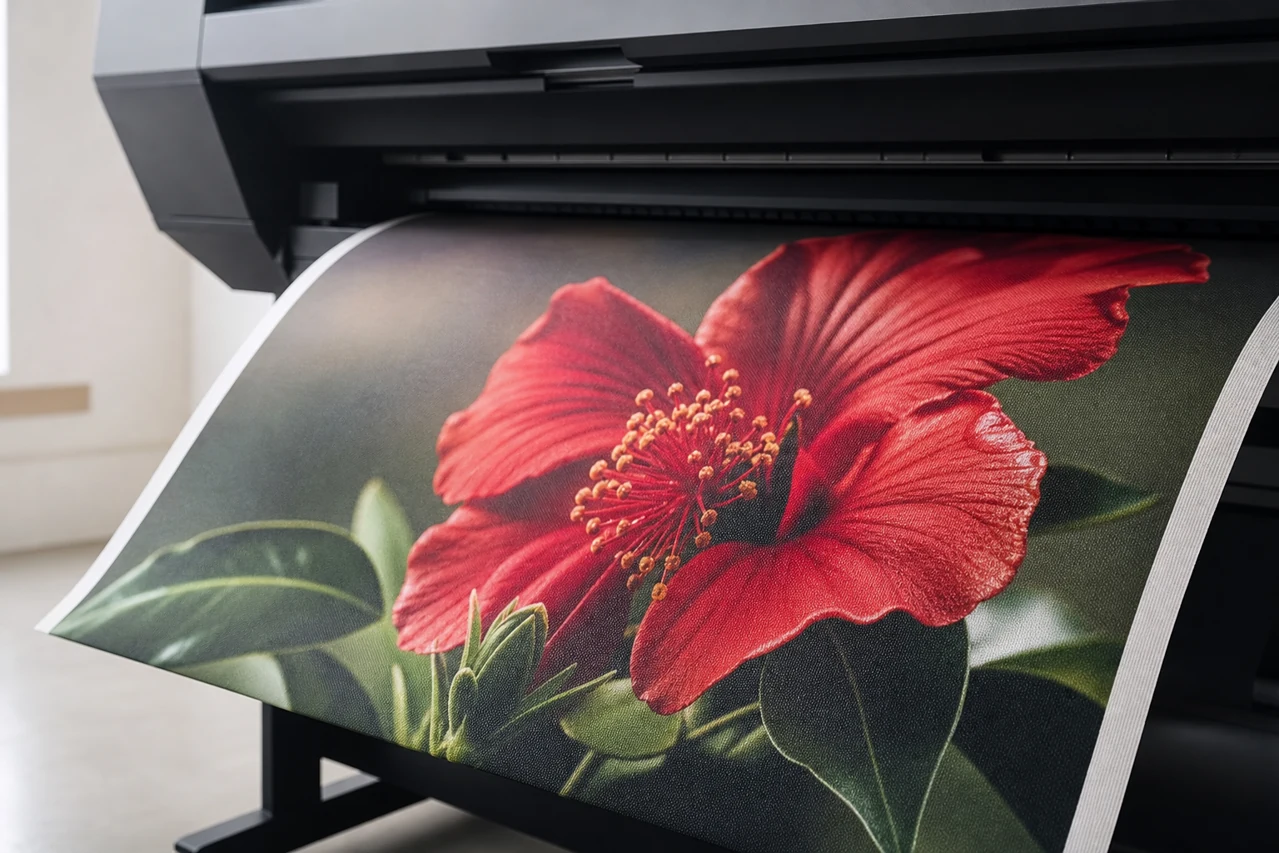
We print photo canvases using an Epson Stylus Pro 9890 with original Epson inks.
The model’s ink system is Epson UltraChrome K3 with Vivid Magenta, which Epson describes as pigment-based. Details of the printer and ink technology appear in the official Epson Stylus Pro 7890 and 9890 brochure.
What should you check before ordering?
- Specification and price. Which material and finish are included in the selected option?
- Display location. Is the chosen option suitable for the room’s conditions?
- Care. How should you clean the finished print without damaging its surface?
To order a photo canvas print, choose your image and preferred size. Mention any particular requirements for colour reproduction, finish or display before placing the order.
For help choosing the material or finish, contact us.