



Reading time — 15 min.
13651
Old photo restoration: preserving your family photographs
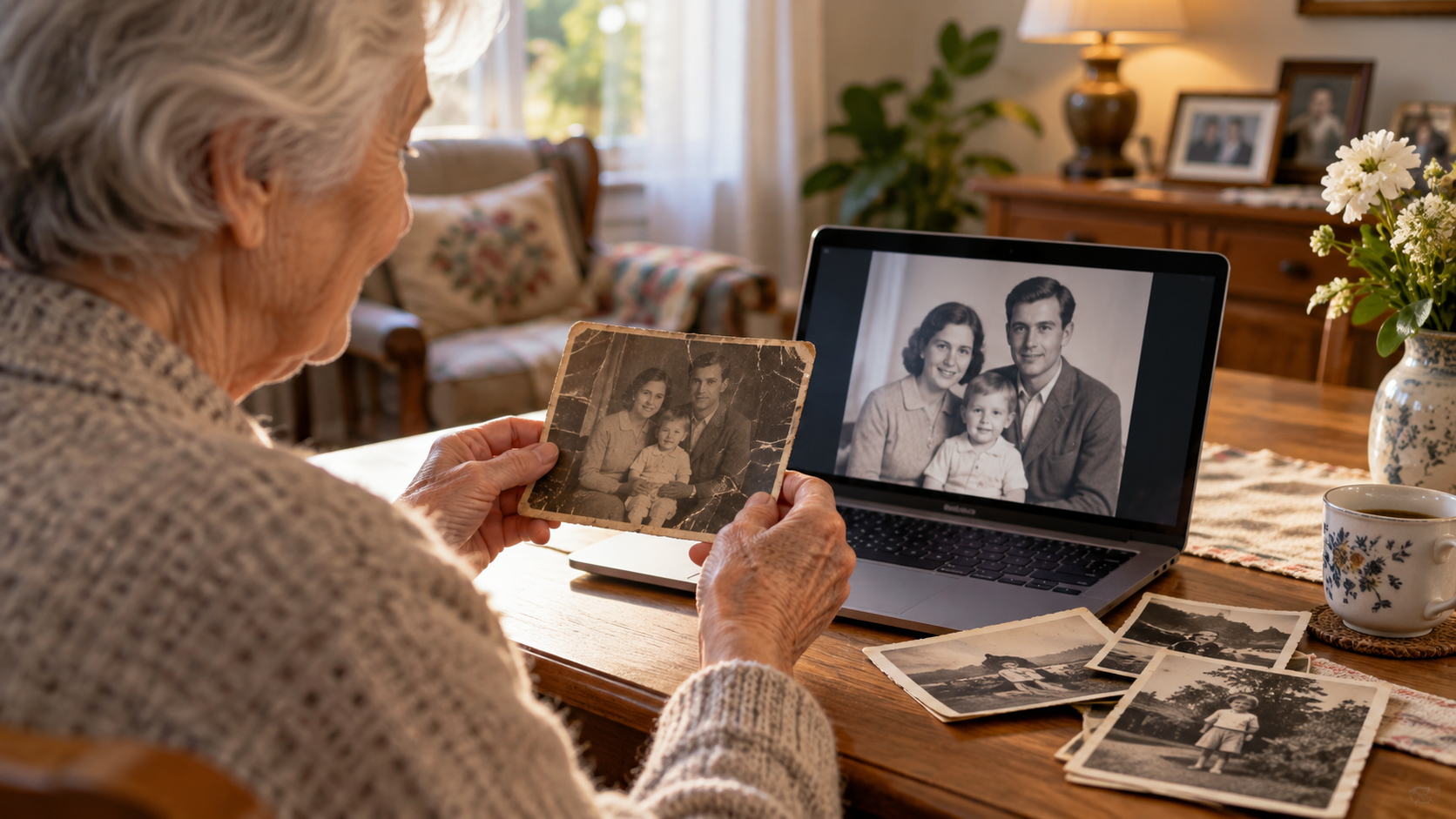
Old family photographs are often worth far more than the paper they are printed on. They preserve people, places and moments that may no longer exist anywhere else: grandparents in their youth, old family homes, weddings, childhood holidays and everyday scenes that later become part of a family's history. Over time, however, paper photographs can fade, crack, develop scratches, lose contrast or become damaged around the edges.
Old photo restoration can help repair many of these problems digitally while preserving the character of the original image. The aim should not be to make every old photograph look artificially new or overly smooth. A good restoration keeps the people recognisable, preserves natural facial features and retains the atmosphere that makes an old family photograph feel authentic.
What can be restored in an old photograph?

Many common forms of damage can be corrected or reduced when enough original information is still visible. These may include scratches, small tears, stains, dust, faded contrast, uneven tones, damaged borders and some minor missing areas.
The final result always depends on the condition of the source photograph. A well-preserved image with surface damage gives much more reliable restoration possibilities than a print where large areas of the face or background have disappeared completely.
Scratches, tears and faded colours
Surface scratches and small tears are often easier to repair than major missing sections. If the damage crosses a background or a part of clothing, nearby image information can often be used to create a natural result. Faded photographs can also be improved by restoring contrast, balancing highlights and shadows and carefully correcting colour shifts.
It is important not to remove every sign of age automatically. Film grain, soft tonal transitions and the original paper character can be part of what makes a historical family photo valuable. Restoration should improve readability without turning the image into something that no longer resembles the original.
Why missing details cannot always be recovered accurately
Digital tools cannot recover genuine information that is no longer present in the source. If a large part of a face, hand or important object has disappeared, software can only create a plausible interpretation of what might have been there.
This distinction matters especially with family photographs. A generated eye, mouth or facial contour may look convincing but still be different from the real person. For that reason, restoration should be more conservative when personal likeness and historical accuracy are important.
Start with a good digital copy
A successful restoration begins with the best possible digital source. If the original exists as a paper photograph, scanning is often the most reliable starting point because it captures fine details without perspective distortion.
A good scan can preserve subtle facial details, paper texture and tonal information that may become important later in the restoration process. It is also useful for creating a permanent digital archive before the original photo deteriorates further.
Scanning old photos safely
Handle old photographs carefully, especially if the paper is brittle, cracked or already torn. Avoid aggressive cleaning products and do not force a curled or folded photograph completely flat if doing so could cause further damage.
When scanning, place the photograph as evenly as possible on the scanner glass. It is useful to keep the original scan untouched and perform restoration work on a separate copy. This way, you always retain a clean digital record of the original condition.
Can you photograph the original with a phone?
Yes, if a scanner is not available. Place the photo on a flat surface, use soft and even lighting, avoid reflections and keep the phone as parallel to the photograph as possible. Do not use digital zoom.
The full-quality original file is always preferable to a screenshot or a reduced-size copy from a messaging app. Compression can remove fine details that may be useful during restoration and later printing.
Restoration, retouching and quality improvement
These terms are related, but they do not mean exactly the same thing.
Photo restoration focuses mainly on repairing damage caused by age, storage or physical wear. This can include removing scratches, repairing small tears, balancing faded tones and recovering contrast.
Retouching is a broader process that can also be used for modern photographs. With old family images, retouching should support the restoration rather than change the person's appearance. Natural facial features, body proportions and distinctive details should remain recognisable.
Image quality improvement can also be part of the process, but it has limits. Increasing sharpness or resolution cannot recreate genuine detail that was never captured in the original photograph.
Should you add colour to a black-and-white photograph?
Not necessarily. For many old photographs, the black-and-white appearance is an important part of their historical character.
Colourisation can create an interesting additional version, particularly when some original colours are known from family memories, clothing or location references. However, when the true colours are unknown, part of the result will always be interpretive.
For important family photographs, keeping both versions can be a sensible approach: a carefully restored monochrome version and a separate colourised interpretation.
Preparing a restored photo for printing

Once a photograph has been restored, it can be kept as a digital archive or turned into a new physical print. Before printing, the file should be checked carefully because a photo that looks sharp on a phone screen may behave very differently at a larger size.
Important factors include resolution, facial detail, proportions, cropping and the amount of enlargement required. Very small original photographs should not automatically be printed at the largest possible size.
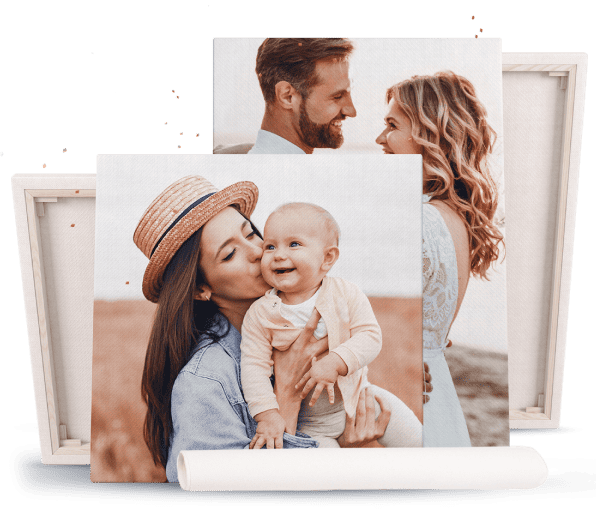
A single restored family photograph can be turned into a photo on canvas. This can give an old image a visible place in the home instead of leaving it hidden in an album.
If you have several restored photographs from different decades, they can be combined in a family photo collage. A collage can bring together wedding photos, childhood pictures, portraits of grandparents and later generations in one composition.
Restored family photographs can also become meaningful photo gifts for grandparents, especially when the chosen image has a strong personal connection to the recipient.

Choosing a realistic print size
Modern software can increase the pixel dimensions of a file and improve its visual appearance, but enlargement has limits. A small or blurred face cannot be enlarged indefinitely without introducing artificial details or visible softness.
For this reason, the print size should be chosen according to the actual quality of the restored source. A moderately sized print with natural detail usually looks better than an oversized image that has been pushed beyond what the original can support.
Before printing on canvas or another large format, it is worth checking the specific restored file rather than relying only on technical dimensions.
Common questions about old photo restoration
Can a badly damaged photograph still be restored?
It depends on how much of the original image remains. Scratches, cracks, stains and faded areas can often be improved significantly when the underlying details are still visible. Large missing areas, especially across faces, are much more difficult because there is no reliable original information left to recover. In those cases, any reconstruction should be understood as an interpretation rather than an exact restoration.
Is a smartphone photograph of the original enough?
Sometimes it is, particularly when the paper photo is large, flat and in good condition. A carefully taken phone image can provide enough information for basic restoration. However, a good scan will usually capture finer detail, avoid perspective distortion and provide a more consistent source for both restoration and printing.
Can a very small old photograph be enlarged?
Yes, but within realistic limits. Software can increase resolution, reduce visible noise and improve the overall impression, but it cannot create authentic facial details that were never present in the original. Before choosing a large print size, the restored image should be inspected at the intended output size.
Should every black-and-white photograph be colourised?
No. Colourisation is optional. In many cases, the original monochrome appearance is more authentic and emotionally appropriate. If the true colours are unknown, the colourised version will always contain some creative interpretation.
Can a restored photograph be printed on canvas?
Yes, provided the restored file contains enough detail for the chosen format. Before printing, the image should be checked for sharpness, proportions and important details near the edges. When the size is chosen realistically, an old restored family photograph can work very well as a canvas print.
Restoring more than an image
Old photo restoration is ultimately about preserving family history. The strongest result is not necessarily the photograph that looks the newest, brightest or most heavily processed.
What matters most is preserving the likeness of the people, the original mood and the details that make the image meaningful to the family.
A good process therefore starts with a careful digital copy, continues with restrained restoration and ends with a realistic decision about how the photograph should be preserved — as a digital archive, a framed print, a collage or a canvas.