


Reading time — 11 min.
32086
A graphic portrait begins with a photo and the artist’s work in a digital environment. Before the finished image is printed on canvas, it’s crucial to make sure it reflects your vision. Is the person recognizable? Does the portrait capture their characteristic expression? Has any important detail been lost in the composition?
You don’t need to assess the drawing technique like an art critic. Instead, look carefully at the image and explain which specific features you want to keep or adjust.
From Photograph to Portrait Preview
For classic graphic portraits at ViarCanvas, the artist uses a graphics tablet and digital stylus. The photo serves as the basis for recreating facial features, expressions, and composition. After approval, the image is prepared for printing in your chosen format.
A digitally created portrait is not the same as a traditional painting with physical paint on canvas. Additional finishes shouldn't be assumed as a standard part of every order.
It’s best to clarify your desired mood and style at the start. If you’re deciding between a classic depiction, a more stylized look, or a humorous approach, see our guide to art portrait styles for a gift. Once you’ve chosen a direction, you can focus more specifically on your actual portrait during the review.
What to Review in Your Portrait Before Printing?
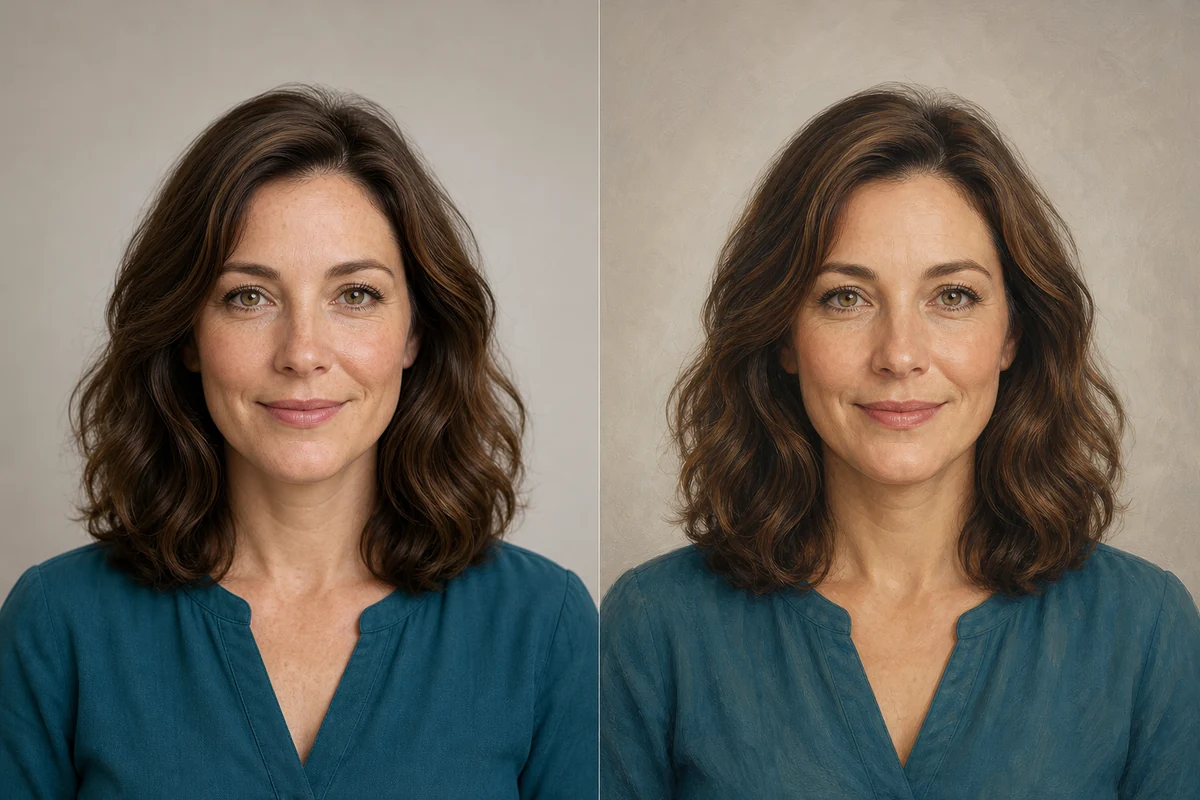
First, look at the entire image, then zoom in on the face and any important details. Compare the preview to your chosen reference photo.
1. Likeness and Characteristic Facial Features
Examine the overall face shape, the placement of the eyes and eyebrows, and the outlines of the nose and lips. Recognition often depends not on a single detail but on how features relate to each other.
Notice features you don’t want to lose, such as freckles, distinctive wrinkles, beard shape, or the hairline. Smoother skin and more pronounced symmetry don’t always make a portrait look more like the person.
If something feels off, try to name the difference. For example: “The face in the preview looks narrower than in the chosen photo.”
2. Facial Expression and Gaze
Someone can be recognizable through their features, but the mood of the portrait can still feel different. Check the intensity of the smile, the look in the eyes, and the direction of the gaze.
If you sent several photos, be clear about which facial expression you prefer. A specific note helps: “I’d like to keep the gentle smile from the first photo.”
Don’t assume the artist will automatically know which smile or expression is most typical for the person.
3. Background and Its Relationship to the Portrait
Look at whether the background helps highlight the subject. Very bright colors, bold patterns, or too many small details can distract from the face.
Check the space around the head and shoulders. Are there lines or objects in the background that visually intersect with the person’s silhouette? Have meaningful background elements been preserved?
If you want a simpler background, describe your idea: “I prefer a calmer background so the focus is on the face.” Discuss any special background changes you want during the review process.
4. Placement of People in a Group Portrait
If your portrait features a couple or a family, consider not only each face, but also how people appear together.
Check:
- if everyone you intended is included;
- if their placement matches your vision;
- if the head and body proportions look natural;
- if any face is unintentionally blocked;
- if the poses and gaze directions create a unified composition.
If the portrait combines people from separate photos, pay special attention to their proportions and arrangement, since different photo angles can affect the group’s appearance.
5. Text and Personal Details
If you’ve asked for text on your portrait, proofread every word—don’t rely on a general impression. Double-check names, dates, punctuation, and special characters.
Ensure the text will be readable at your chosen size and not too close to the edge. If there’s no text, you can skip this check.
Also, review important details: glasses, jewelry, clothing, or items you requested be included.
6. Cropping and Image Edges
Review the preview in the format you plan to order: vertical, horizontal, or square. Changing proportions may change which parts of the image are visible.
Check that the top of the head, hands, or any important objects aren’t cut off unintentionally. Make sure there’s enough empty space around the face and inscriptions.
If the image will continue onto the canvas sides, clarify which part will remain on the front. Important features shouldn’t end up on the edge by accident.
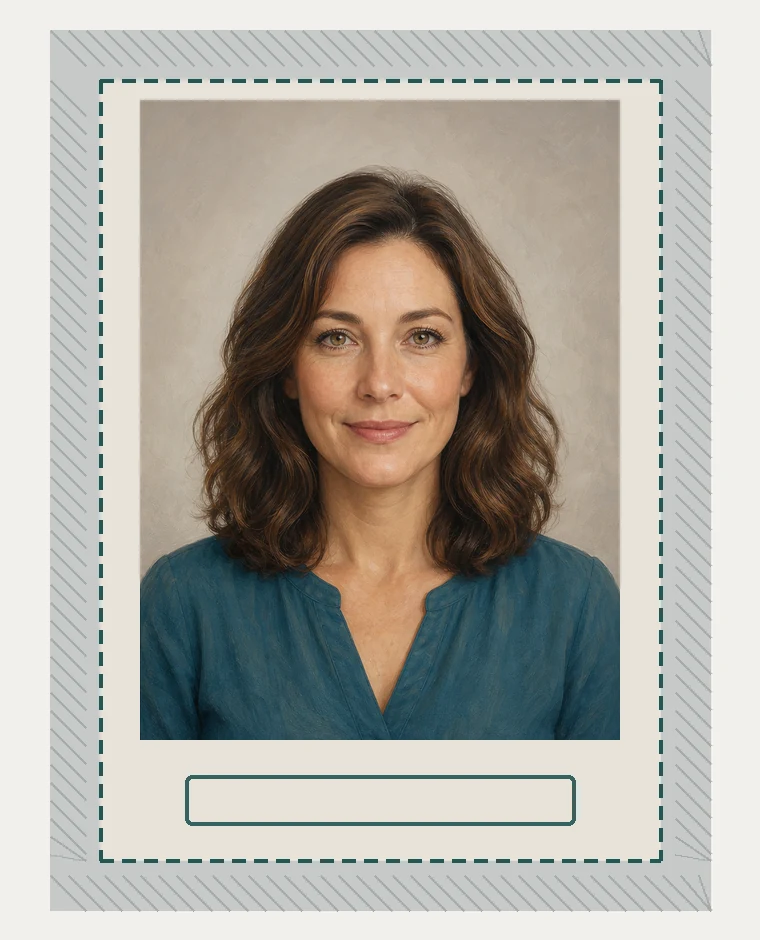
7. Colors and Overall Mood
Assess skin and hair tones, clothing, and the overall harmony of the background. Does the portrait appear much cooler, warmer, or more saturated than you expected?
Screen settings and brightness can affect image appearance. Displays emit light, but the finished canvas will be seen in room lighting, so the preview does not reproduce print colors exactly. If a specific tone is important, let the artist know before printing.
How to Write Clear Notes to the Artist?
Summarize your requested changes in a single list, noting which version of the preview they refer to. Start with the most important items—likeness, expression, and composition—then mention smaller details.
For example:
- “Please make the smile closer to the first photo.”
- “I’d like both people in the composition to be closer together.”
- “The background seems too bright; I’d like a calmer mood.”
- “Please double-check the surname spelling in the text.”
Comments like these are clearer than general requests such as “make it look better.” Be sure to discuss the scope of changes and what’s possible individually with the artist.
Final Check Before Approval
Before you confirm for print, make sure that:
- you’re looking at the latest preview version;
- your important notes have been addressed or discussed;
- likeness and facial expressions meet your expectations;
- text and dates are correct;
- the intended format, cropping, and presentation are clear.
Keep the approved preview for your records—this will help you remember the agreed version.
See sample works and available ordering options on the classic portrait from a photo page. A clear vision and attentive review help the artist understand what matters most in your portrait.